Modeling a Shiftable Gearbox
Multiple gears can be defined in a shiftable gearbox. The power is transmitted via a different path for each gear. The power paths are determined by a switching matrix, in which the coupling between the shafts and gears is engaged or disengaged. This tutorial demonstrates the design of a gearbox with two gears.
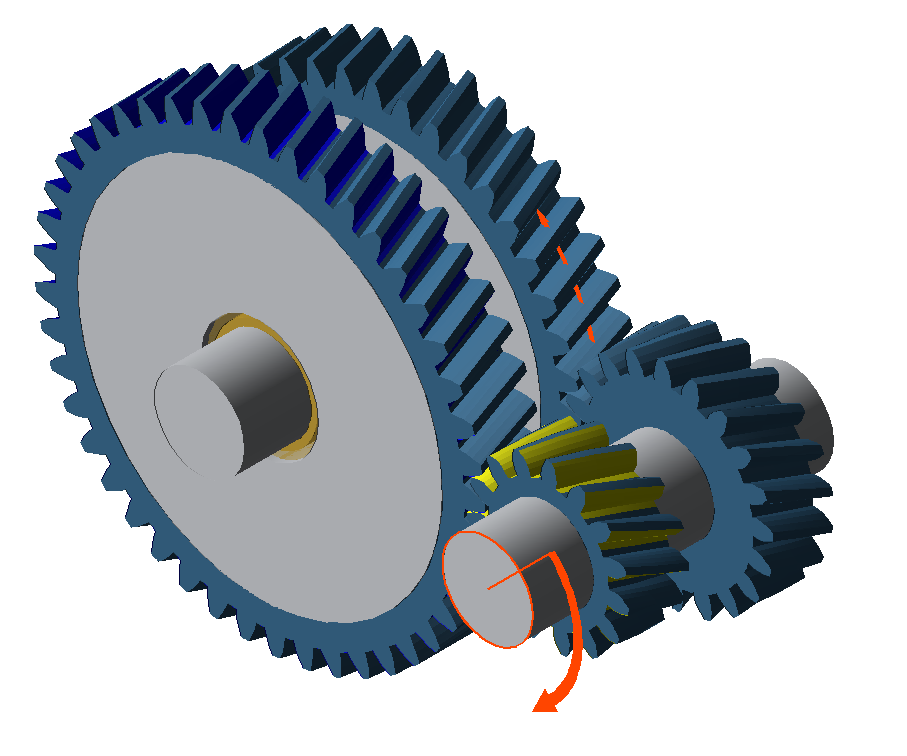
Modeling
Create a new model
 (Project → New)
Add a cylindrical gear stage
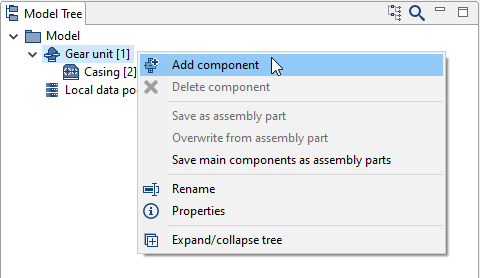
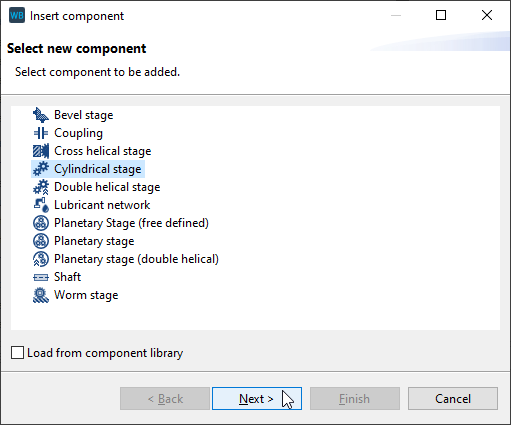
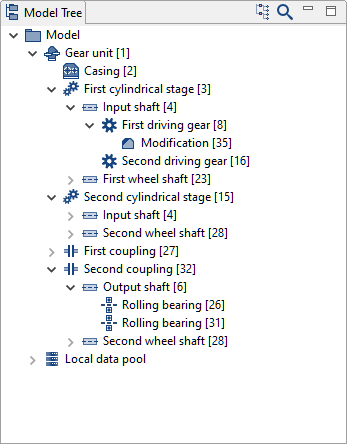
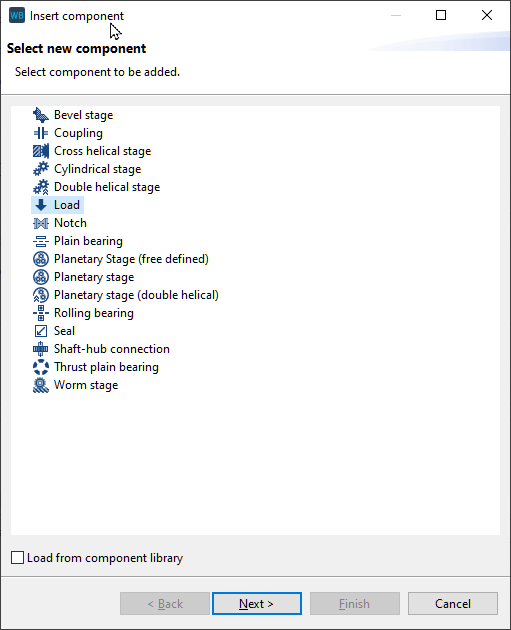
Right-click on the Gear Unit in the Model Tree, choose "add component," and select "cylindrical stage."
Specify the gear data
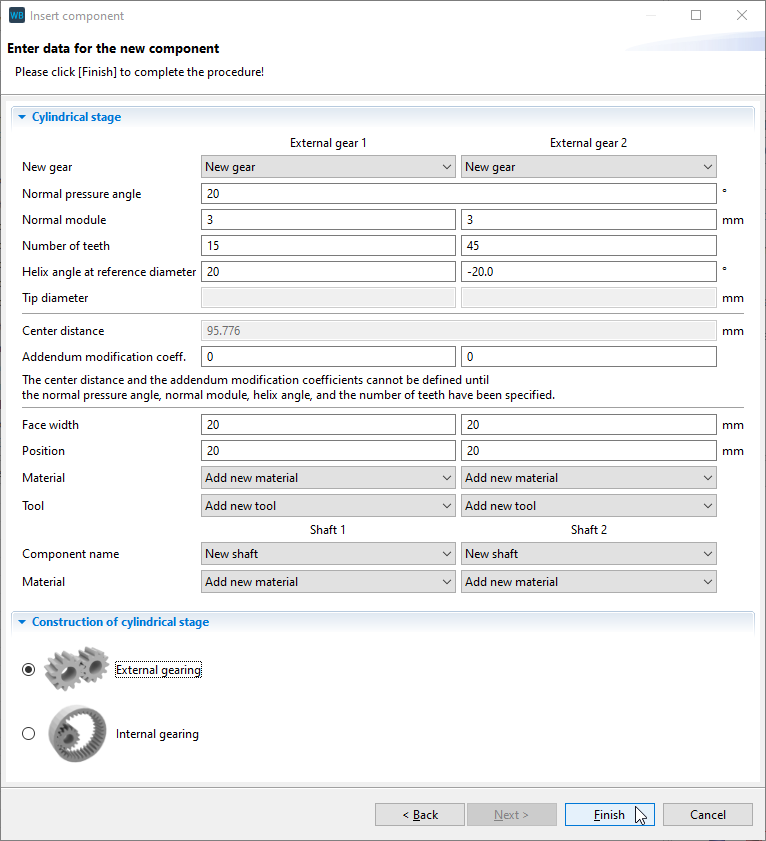
Enter the gear data and rename the new components in the Model Tree as shown in the images below.
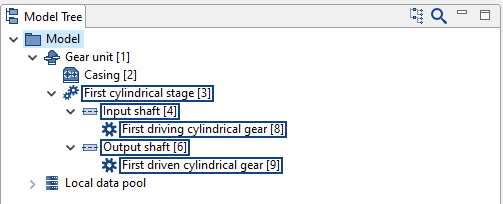
Add a second cylindrical stage
Right-click on "Input shaft [4]" in the Model Tree and add an additional cylindrical stage. Enter the gear data as shown in the images below. Select "Output shaft [6]" as the shaft for the second gear.
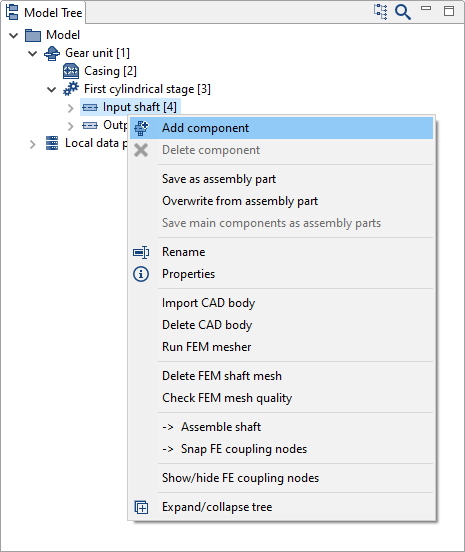
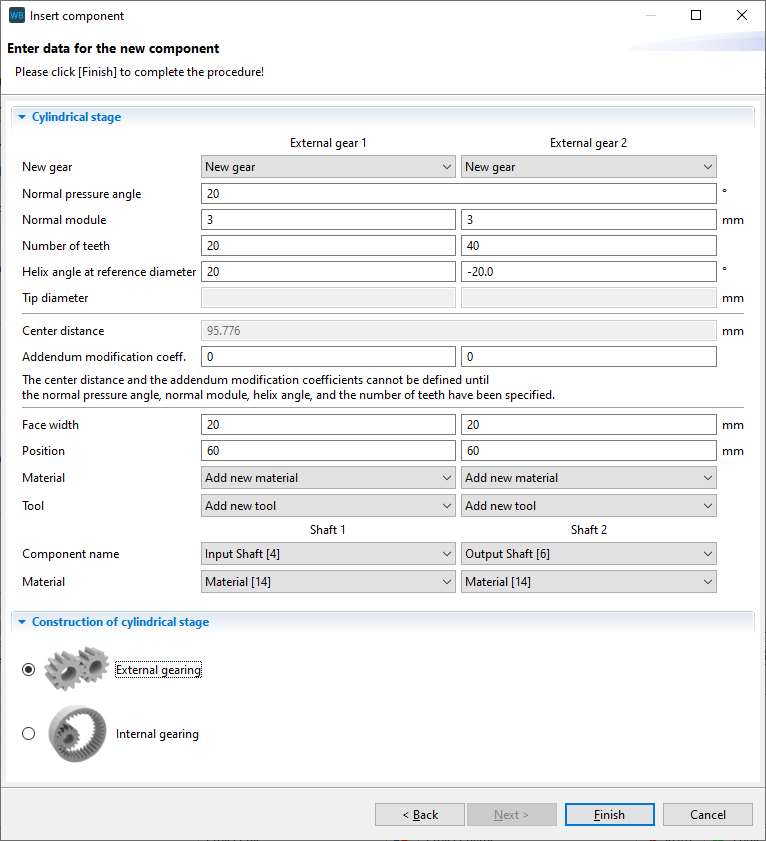
Rename the new components as follows.
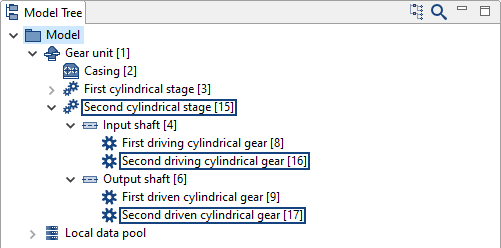
Convert the gears to idler gears
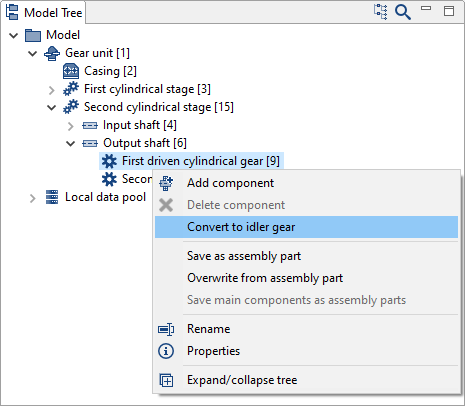
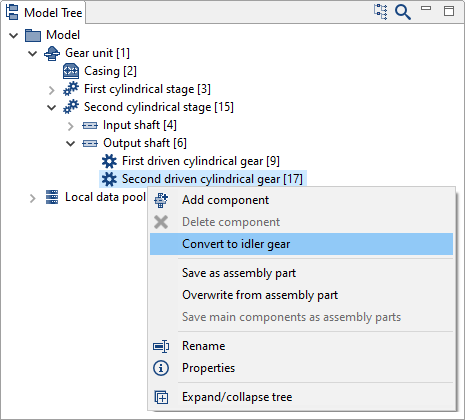
Right-click on each of the gears on the output shaft in the Model Tree ("first driven cylindrical gear" and "second driven cylindrical gear") and convert them to idler gears. This will create two new bearings, shafts, and couplings located between the gears and the output shaft.
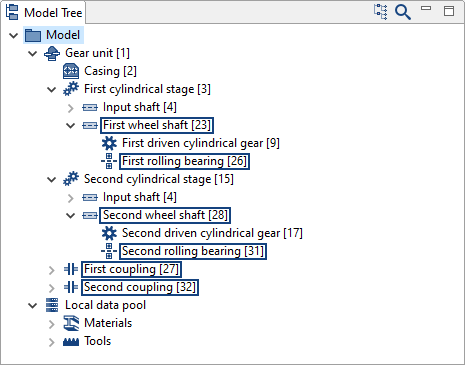
Rename the new components as follows.
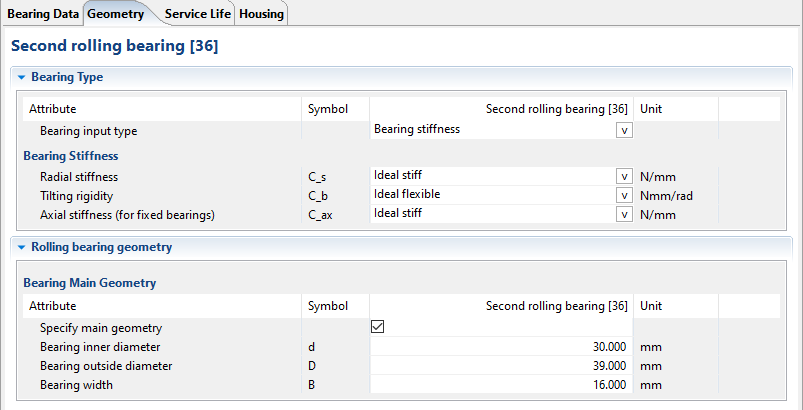
Configure the bearings
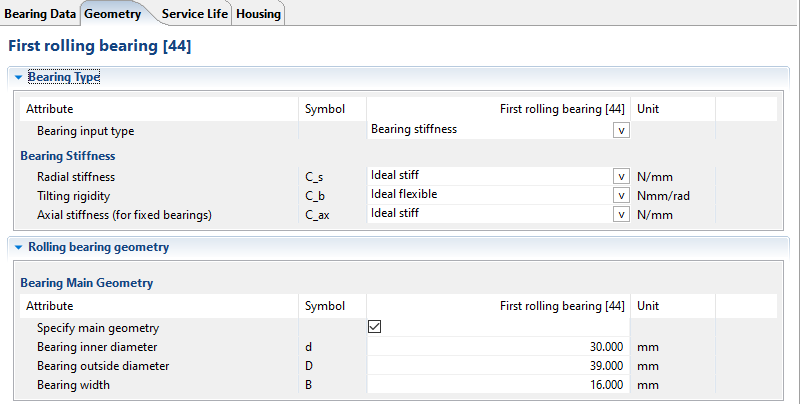
Enter the bearing data on the "General Information" and "Geometry" tabs for both bearings as shown in the images below.
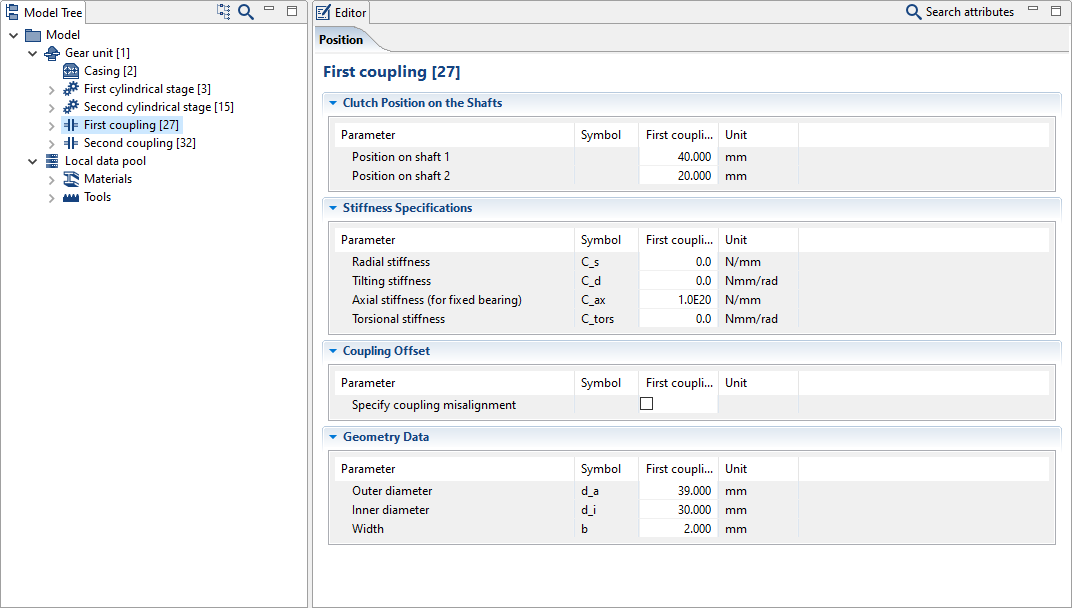
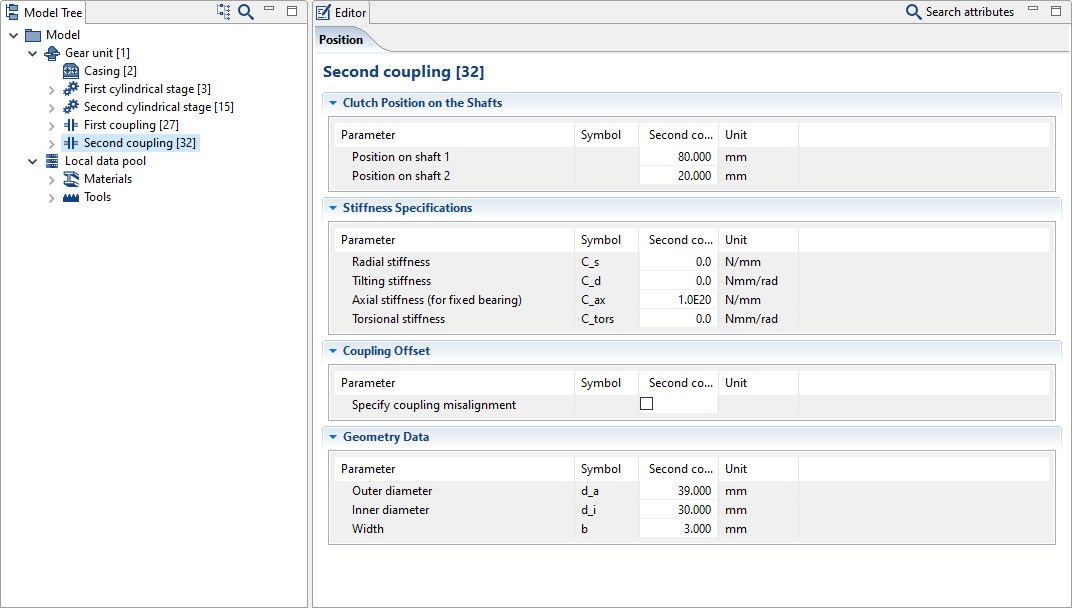
Configure the couplings
Enter the coupling data as shown in the images below.
Notice
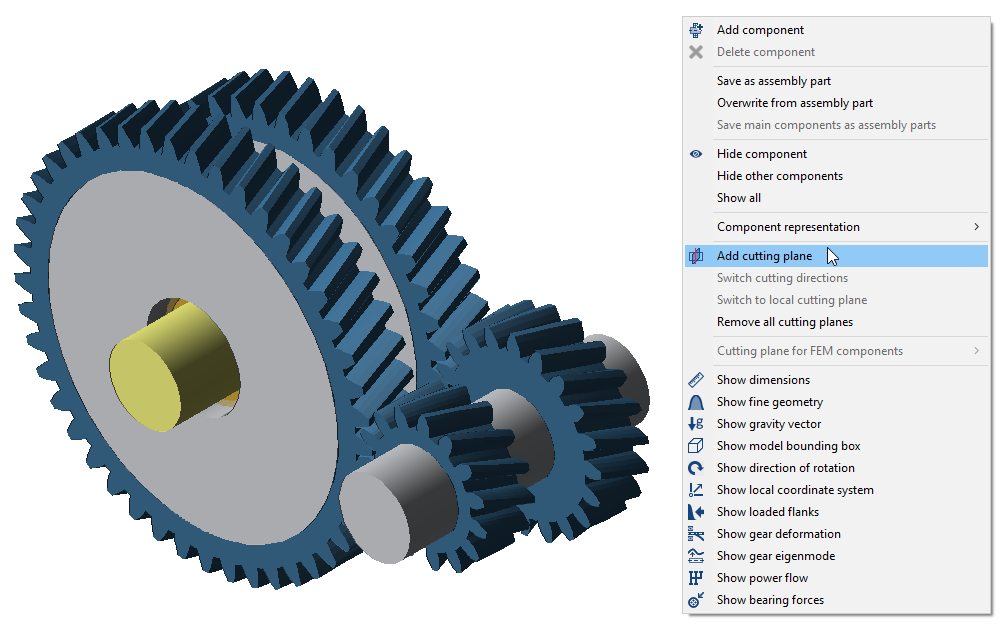
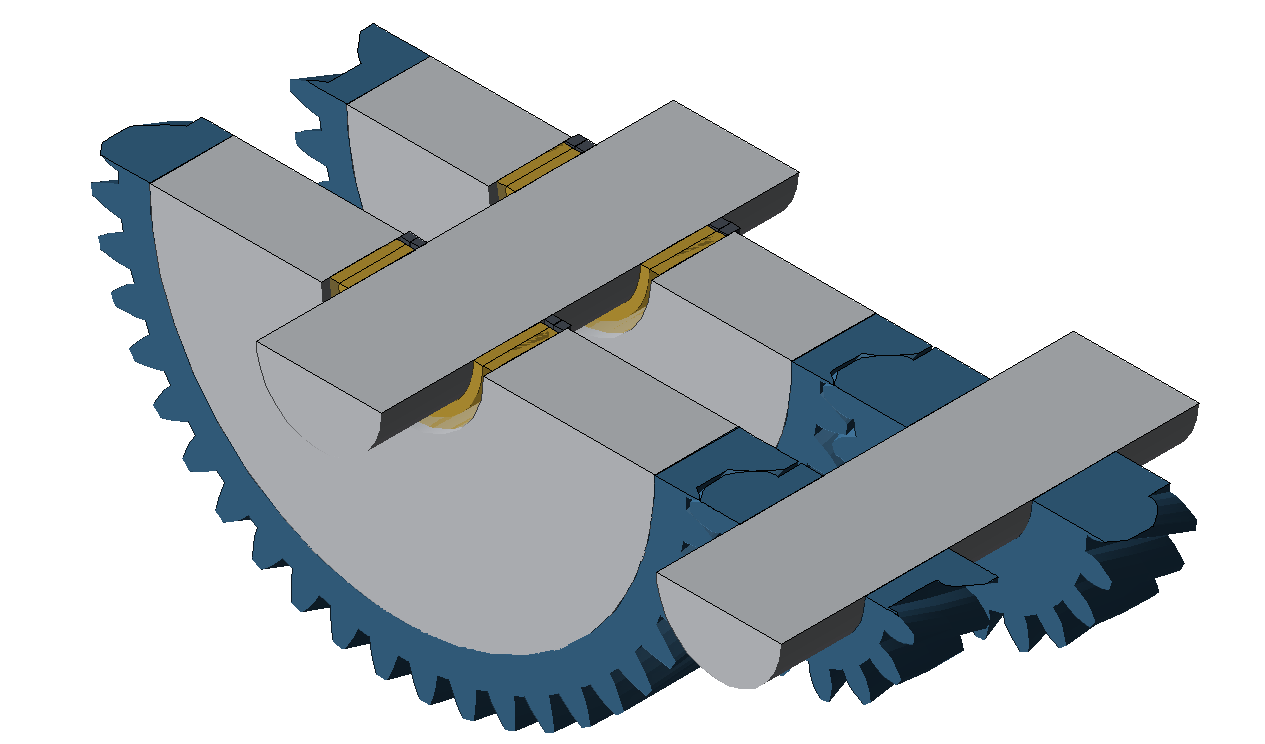
To simplify the positioning of bearings and couplings, right-click on a cylindrical gear in the 3D Model and choose "add cutting plane."
Define the power flow
Add load components
Right-click on the "Input shaft [4]" and "Output shaft [6]" in the Model Tree and add a load component on each. Enter 0mm as the position for both loads.
Rename the loads to "Input load" and "Output load," according to the shaft on which they are located.
Define the shift matrix and specify the load data
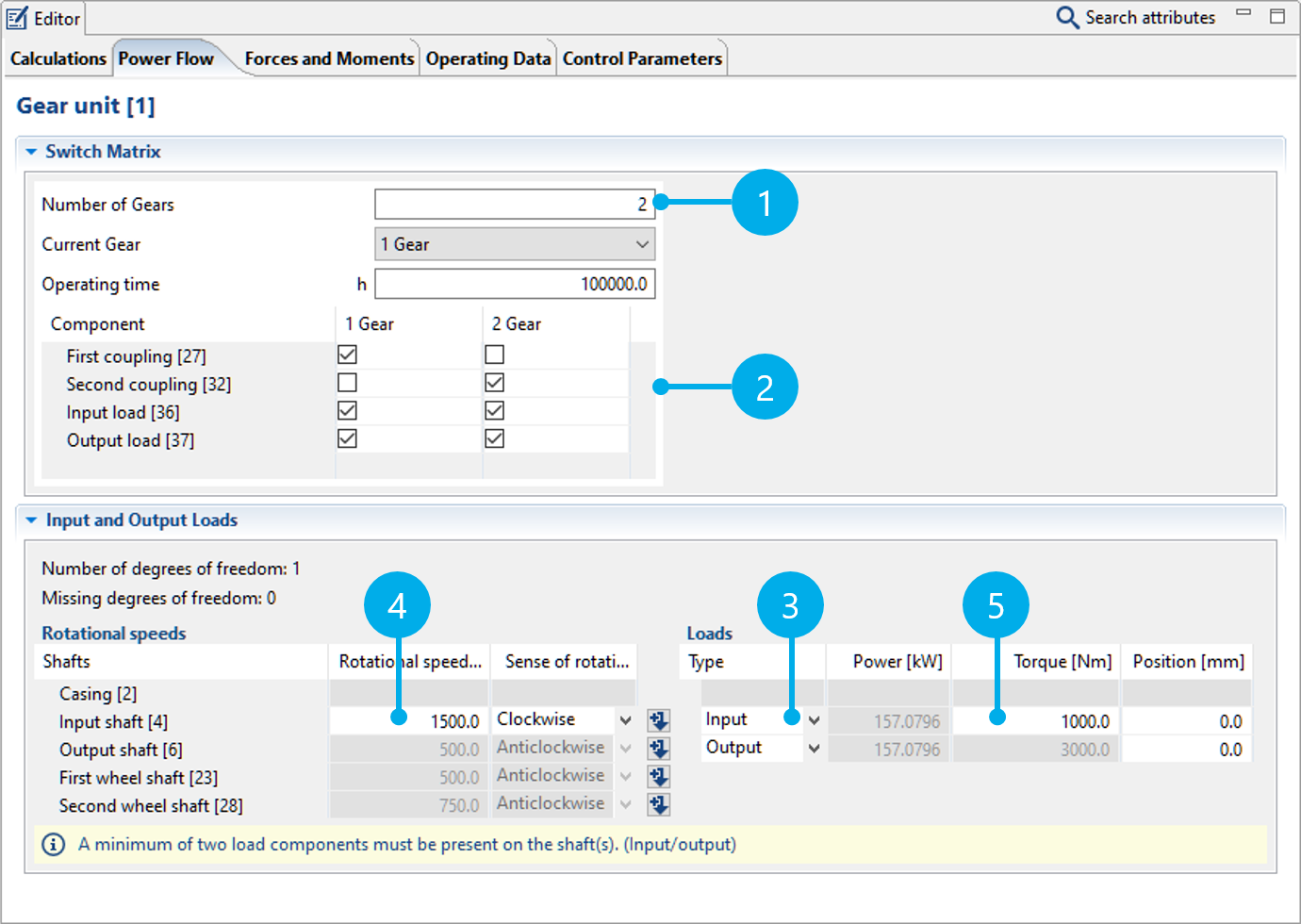
Select the Gear Unit in the Model Tree and switch to the "Power Flow" tab.
Change the number of configurations (1) to 2.
The shift matrix (2) defines which couplings or loads transmit power for each gear. Tick the boxes as shown in the image below.
Specify the load type (3).
Finally, enter the speed (4) and torque (5) for "Input shaft [4]."
The power flow has now been sufficiently defined. The remaining speeds and torques will be calculated automatically.
Notice
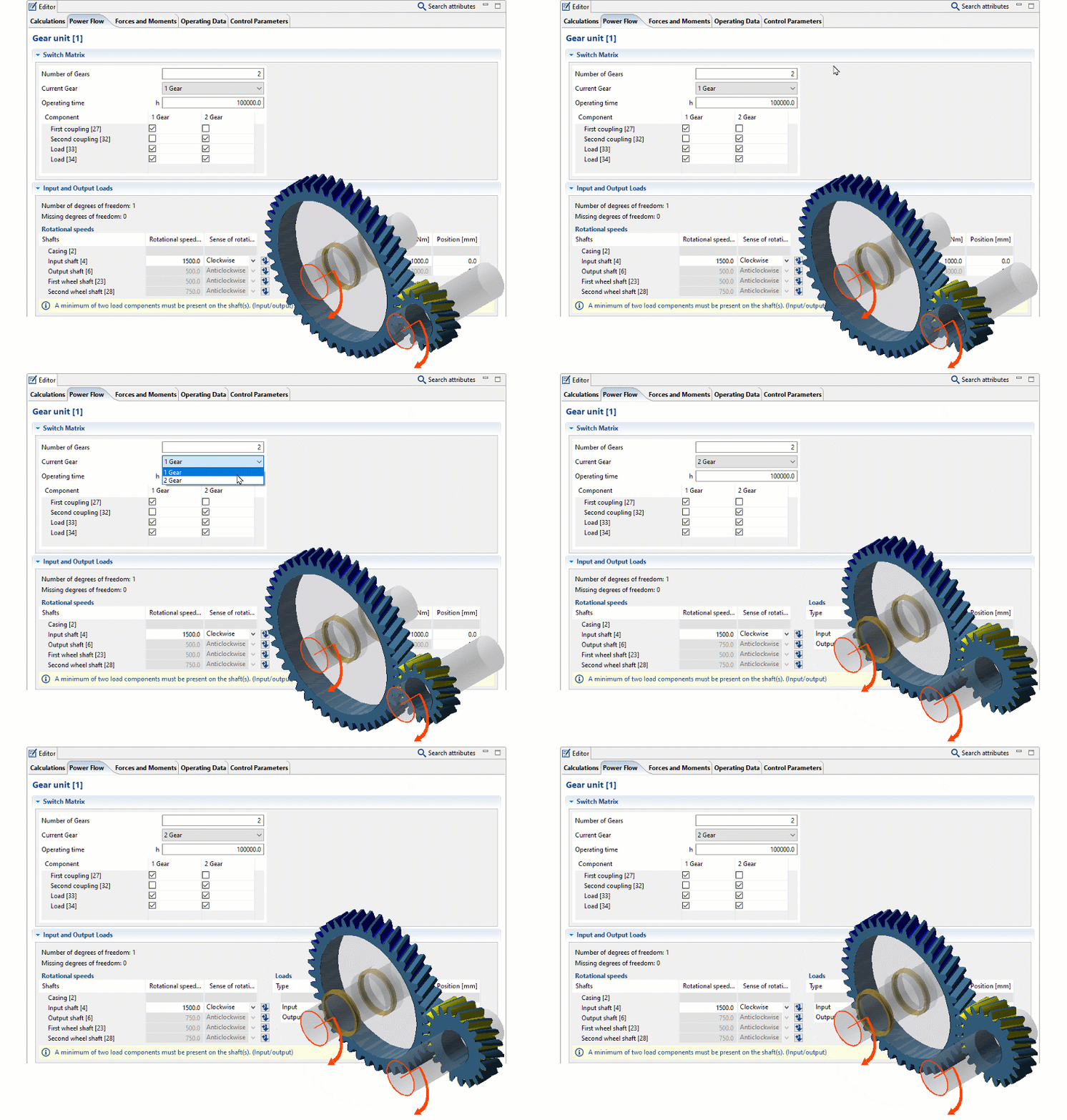
Open the 3D Toolbar in the 3D Model view to activate the "Power flow" and "Loaded flanks" options. The view will be updated when a different gear is selected in the Power Flow Editor.